
See Your Home Elevator Before You Buy It
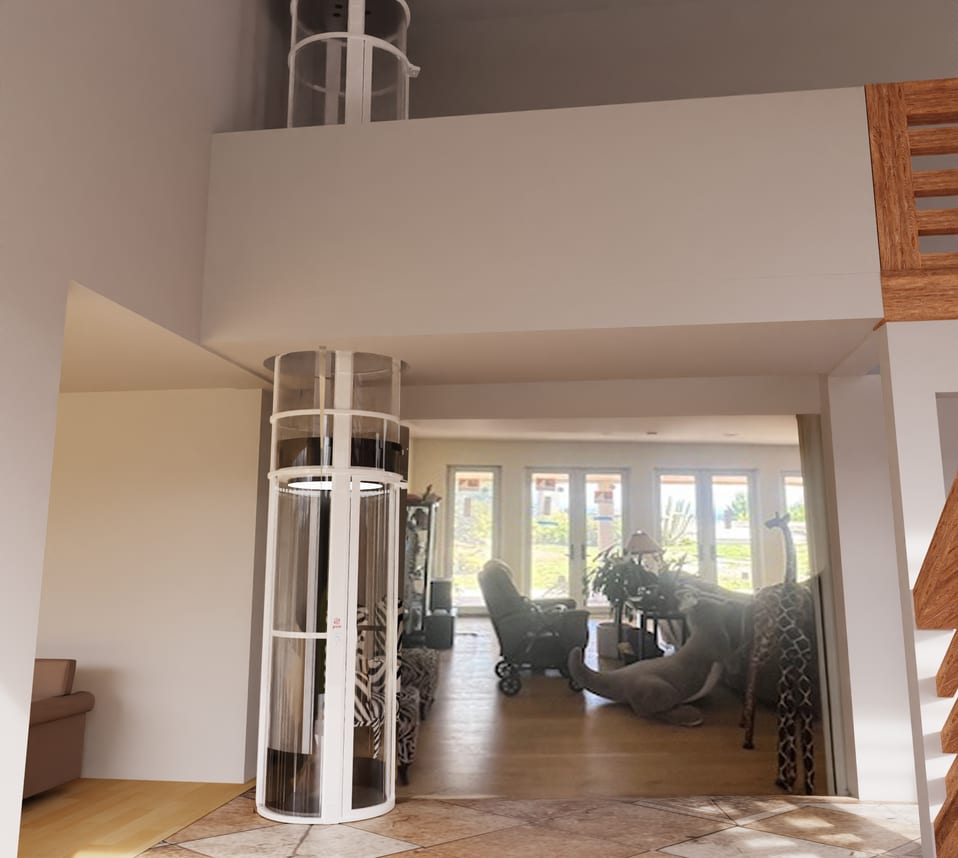
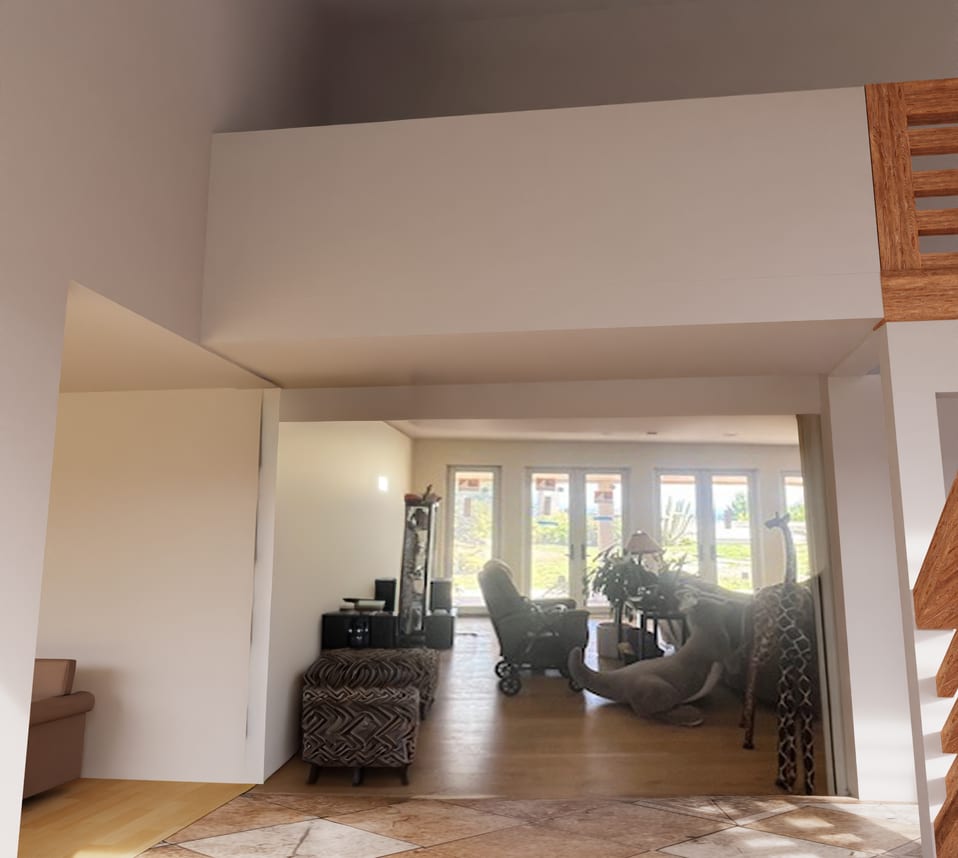
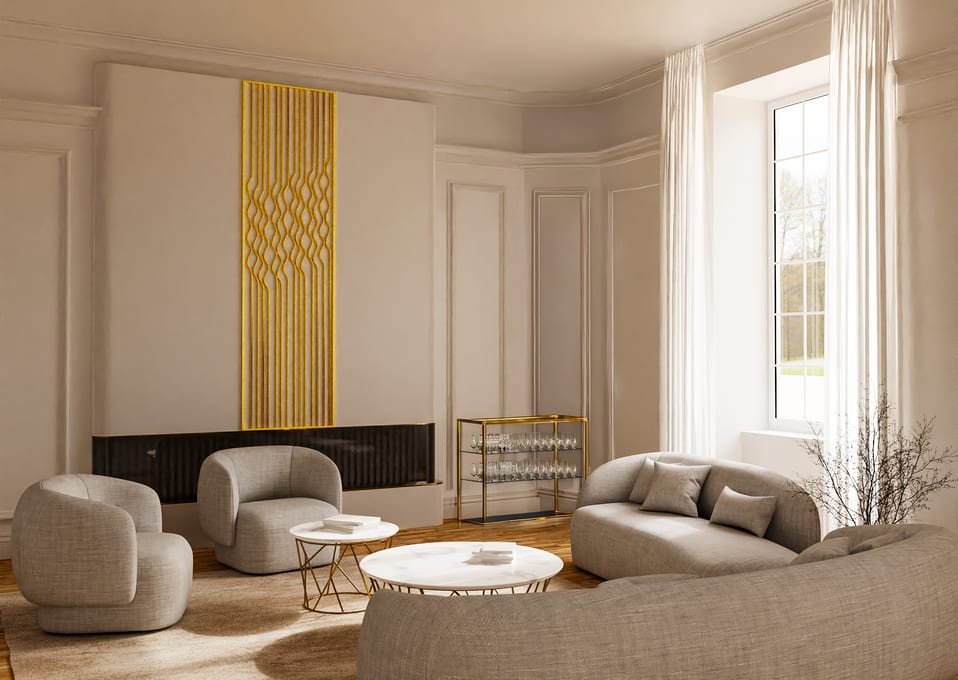
Upload a few photos of your space and we'll create a photorealistic render showing a PVE elevator in your home.
- Takes ~5 minutes.
- Trusted by homeowners and PVE dealers
- Upload your photos for free, then decide
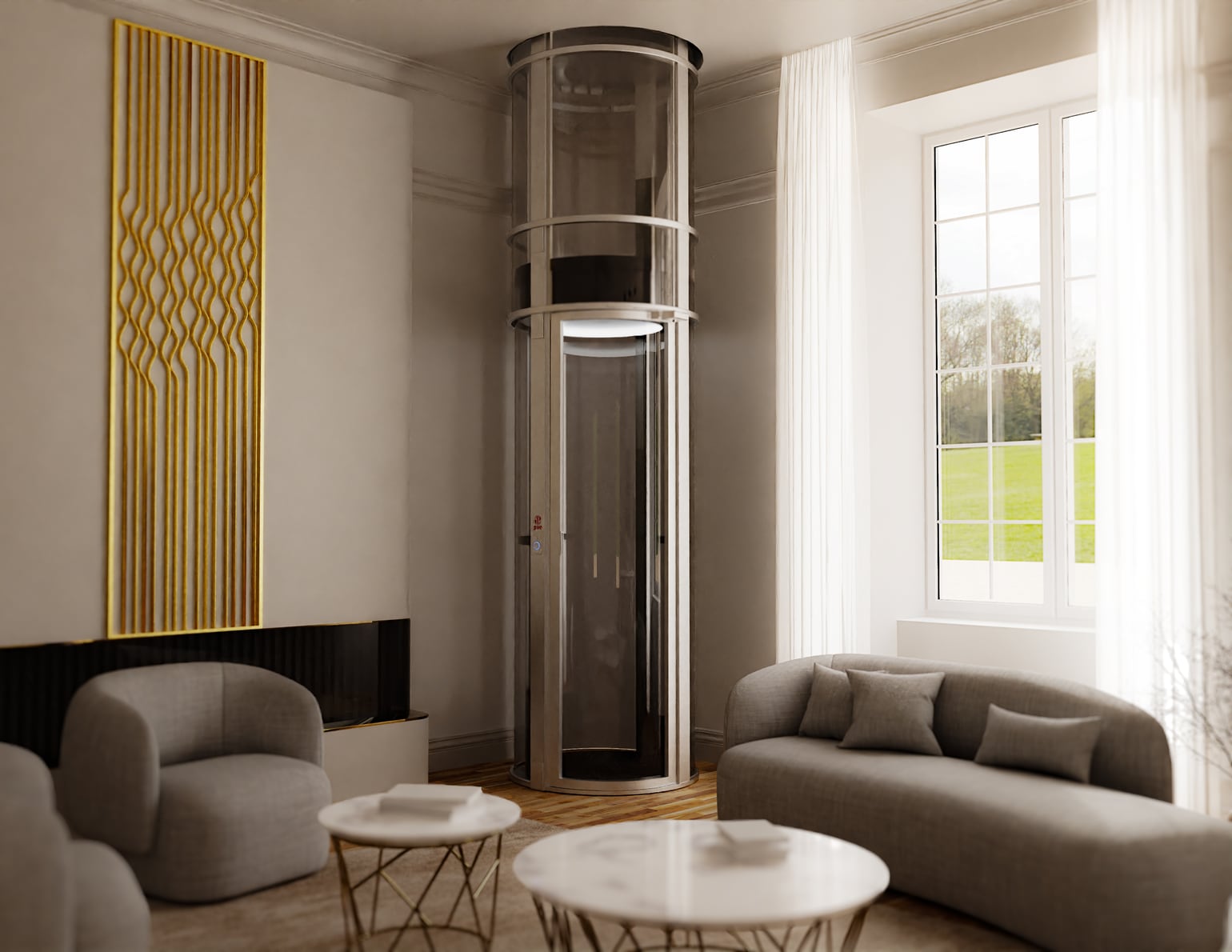
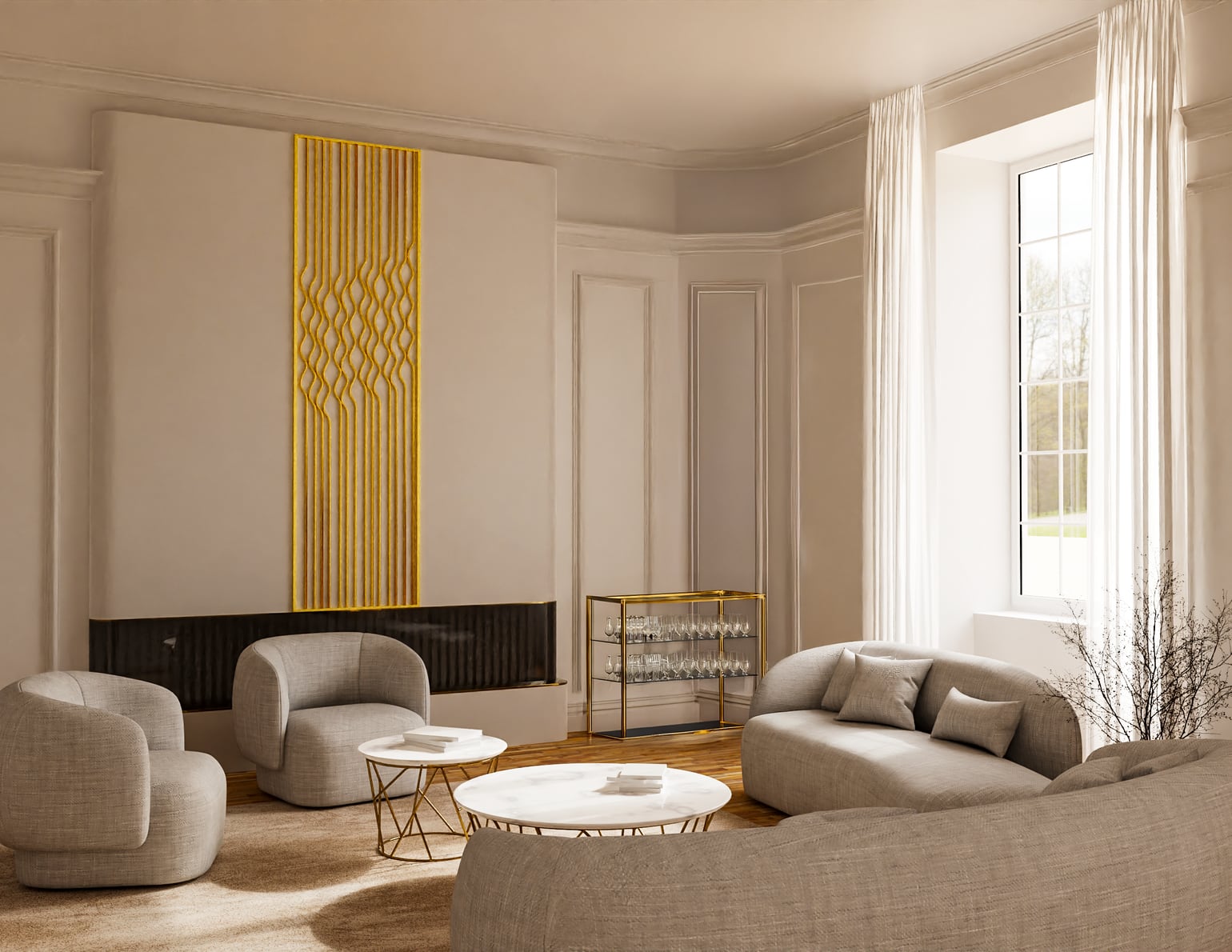 BeforeAfter
How it works
Five simple steps:
- 01

Take your photos
About 5 minutes.
We guide you shot by shot on your phone. No measurements, no special equipment.
- 02

Choose your elevator
Not sure? We'll help you choose.
Pick your model, style, and color, show us where it goes in your home.
- 03

Review and pay
Risk-free: full refund if we can't produce your render.
Check everything before you commit.
- 04

We create your render
Ready in 7 days.
Our in-house 3D designer places your elevator in your actual space.
- 05

See it in your home
High-resolution images by email ready to review with your family or your dealer.
What we need from you
A few photos from your phone and your elevator preferences. That's all it takes to see your space transformed.
Required
- 5–6 photos of the room/environment (wide angles preferred)
- Elevator model
- Installation type
- Elevator color
Measurements are nice to have. Not required.
Photo Guidance
More photos = more accurate render.
2 WIDE SHOTS1 PHOTO INSTALL AREA1 CORNER ANGLE
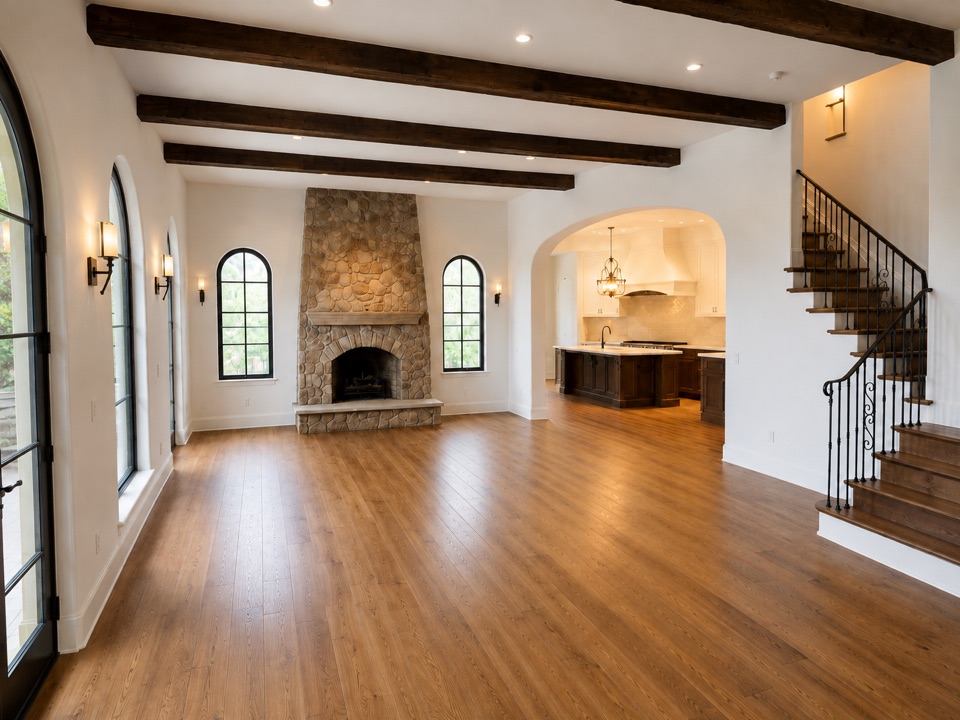
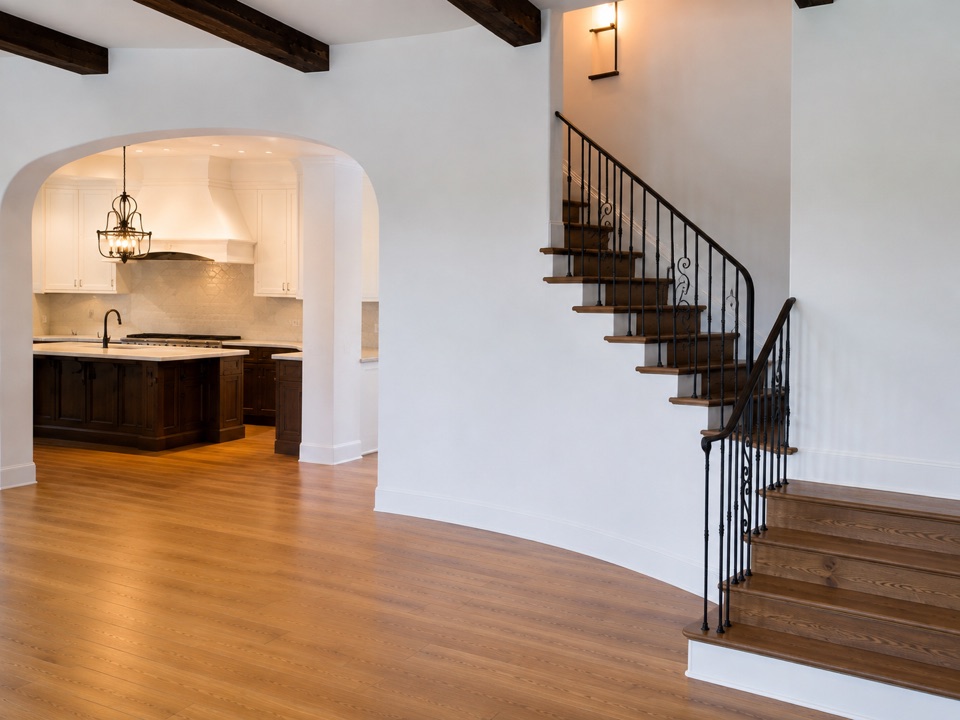
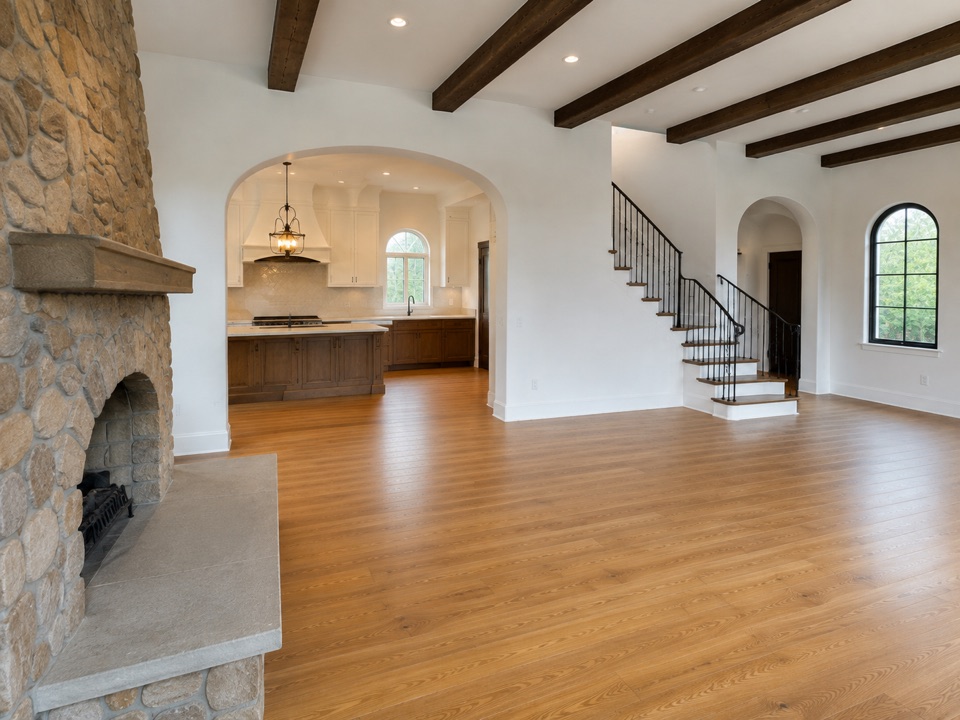
Upload your photos for a free instant check, then order. A 3D designer reviews your photos before starting work. We might send you an email requesting additional photos or information. If we can't produce a quality render, you get a full refund.
$60.00
one time, for your custom 3D render.
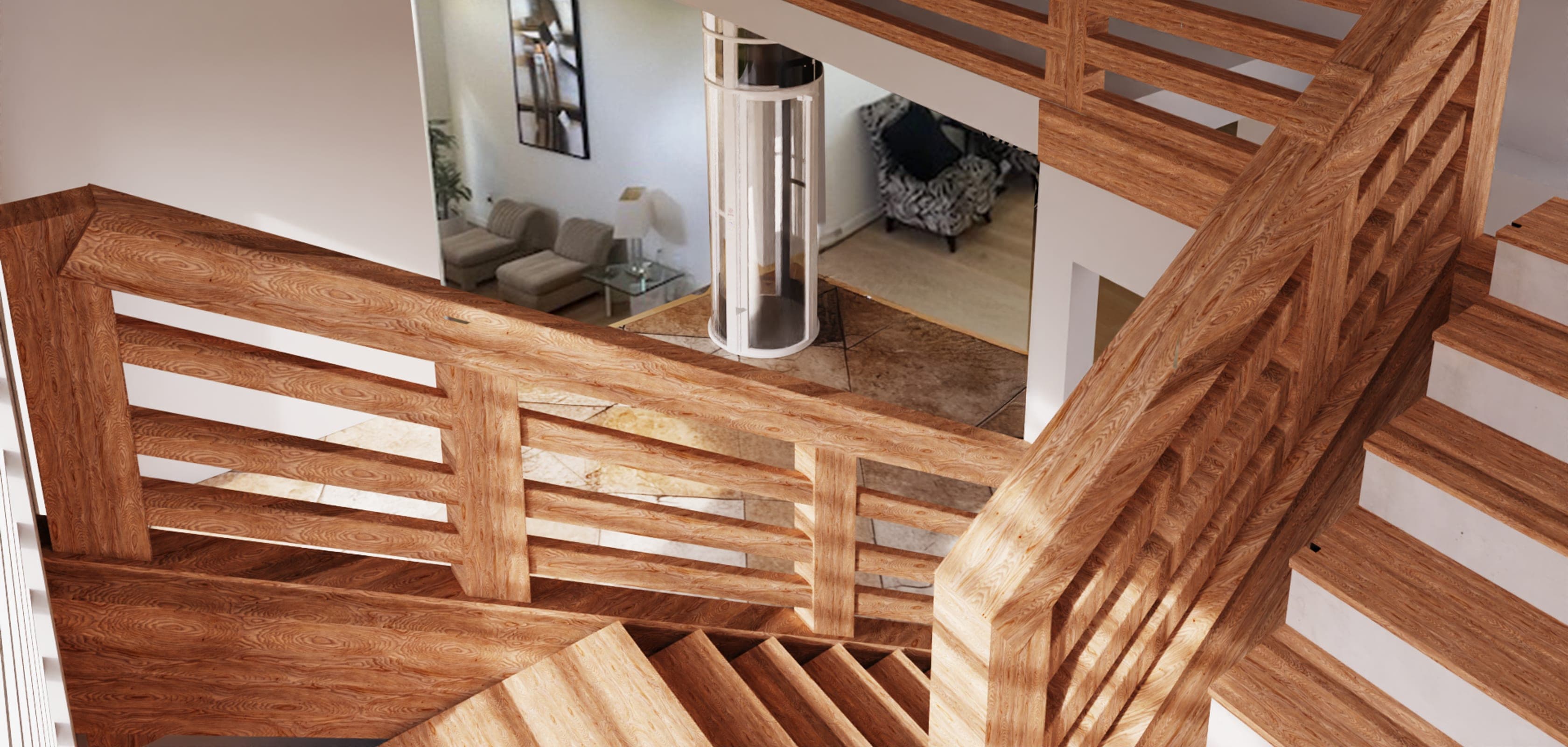
Why It Matters
Visualize
See the final look before committing.
Plan
Avoid surprises with placement and space.
Decide
Make decisions faster with your family and installer
Examples
Real renders for real customers
 BeforeAfter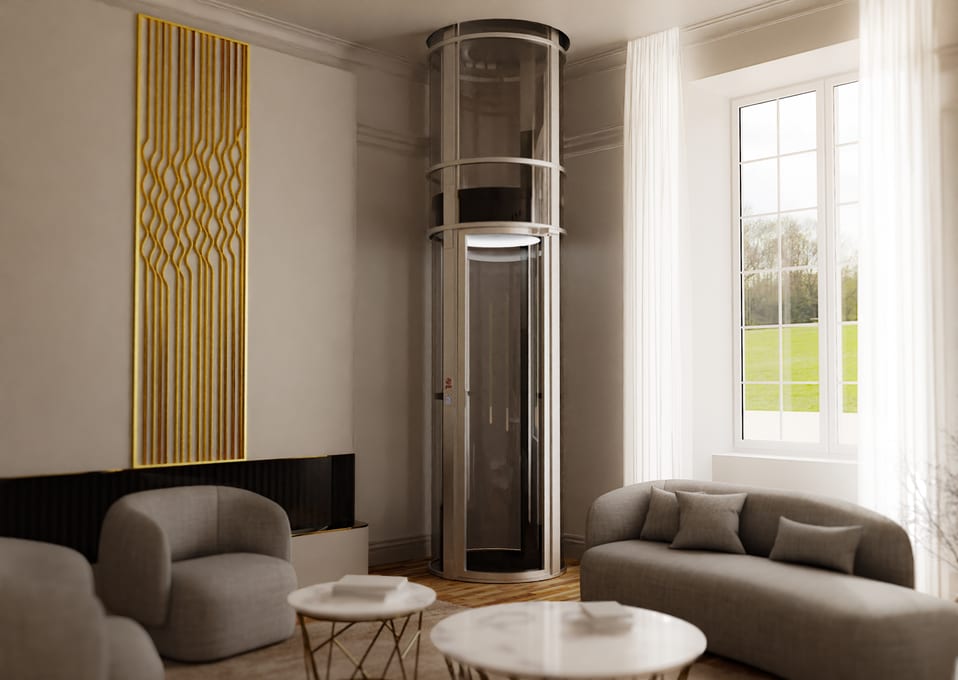
 BeforeAfter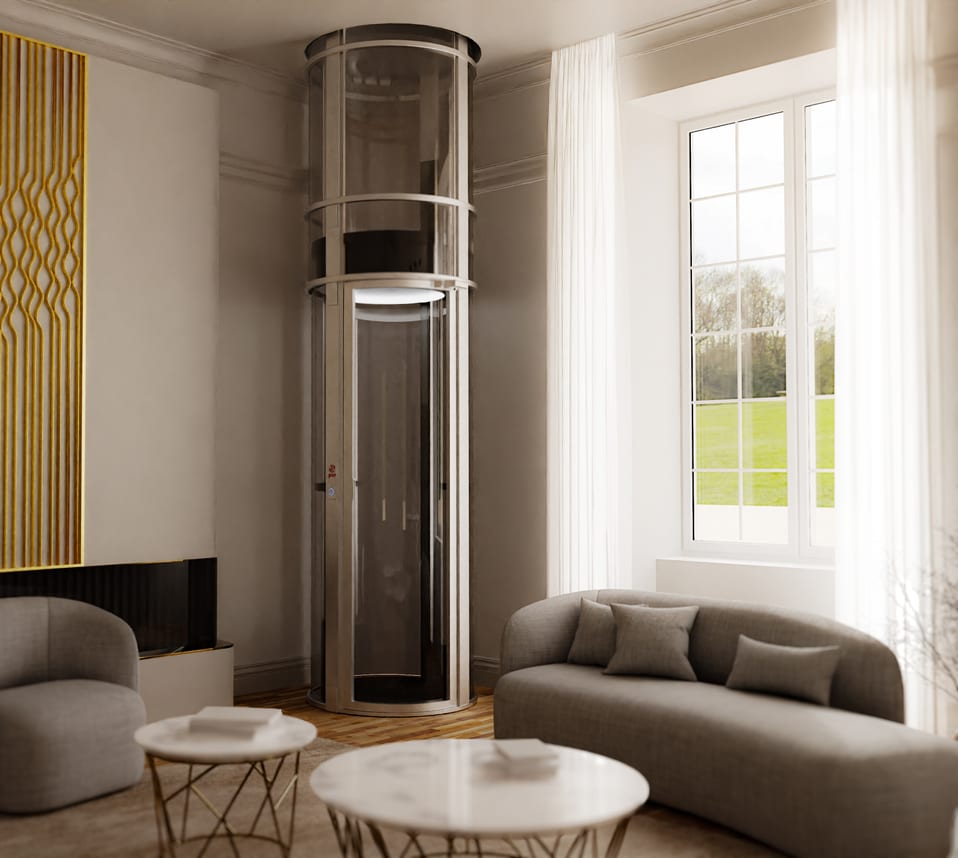
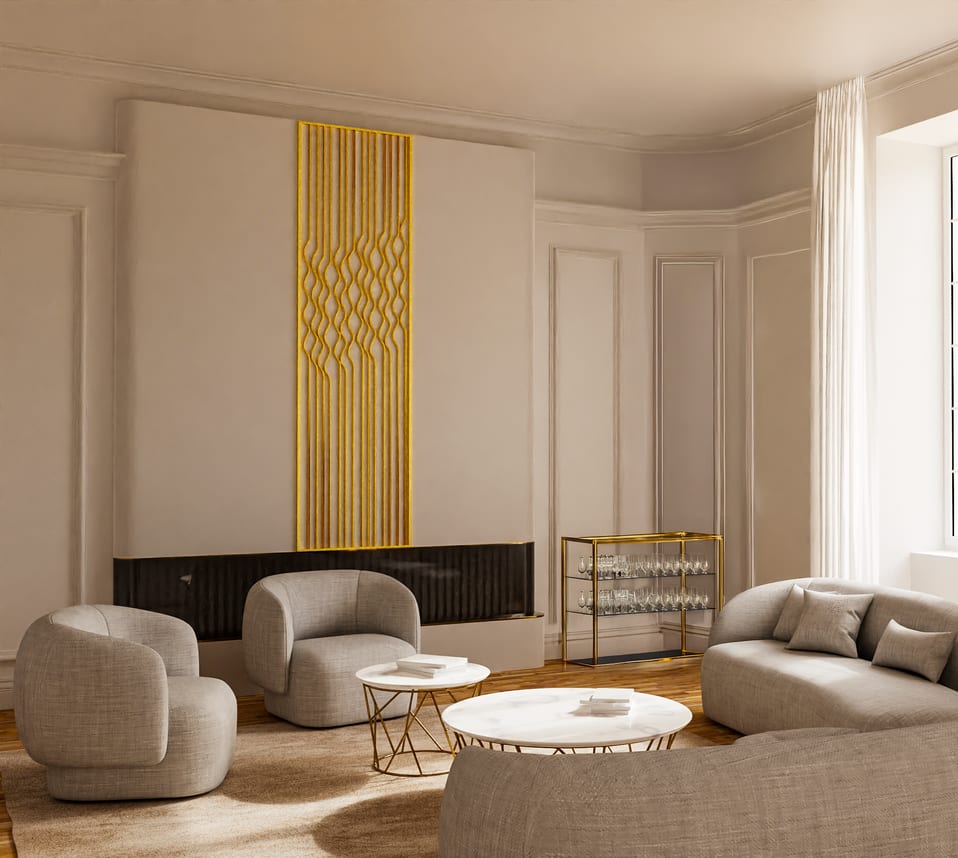 BeforeAfter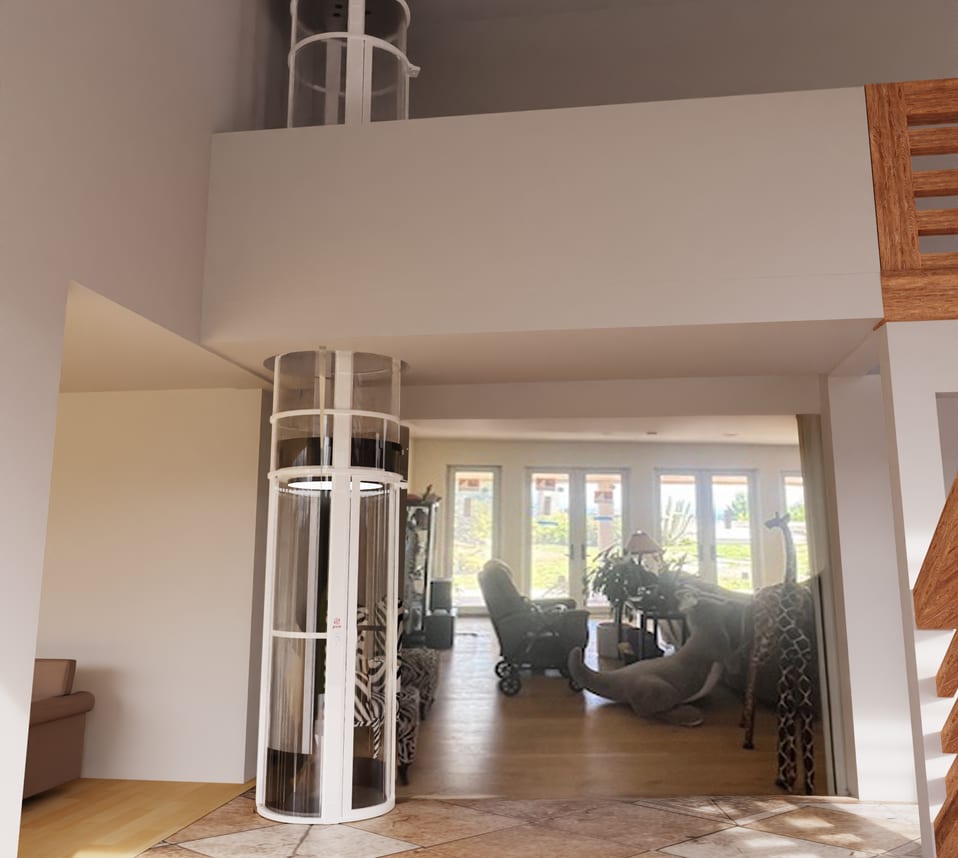
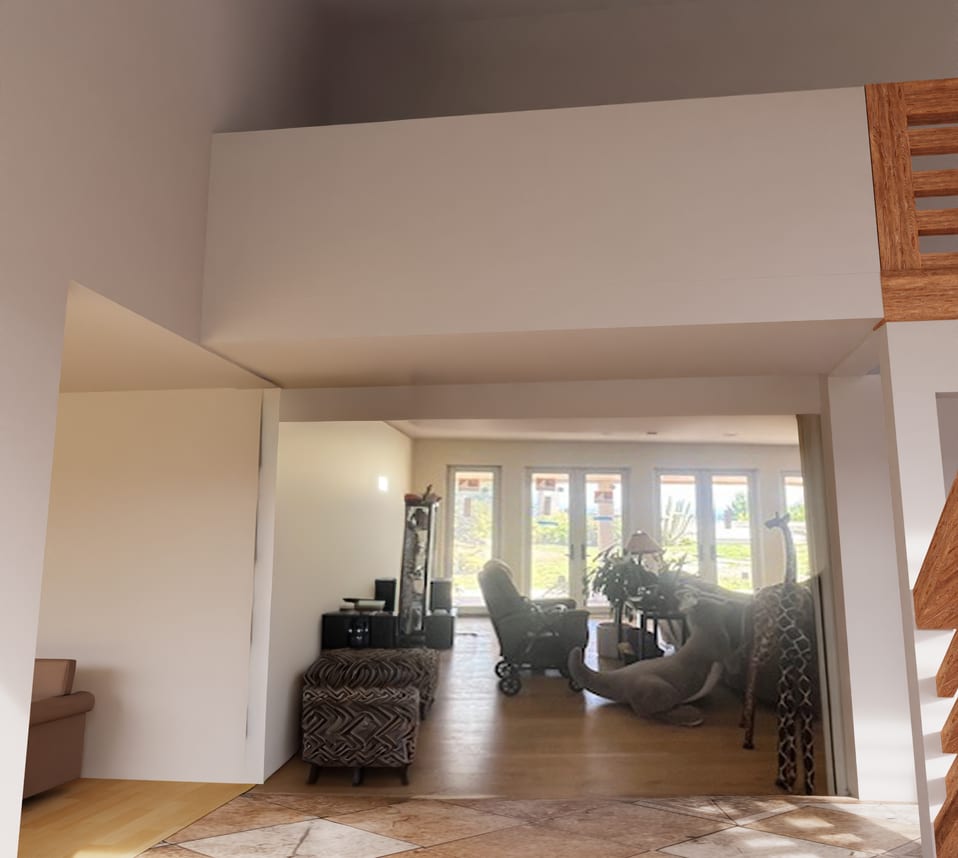 BeforeAfter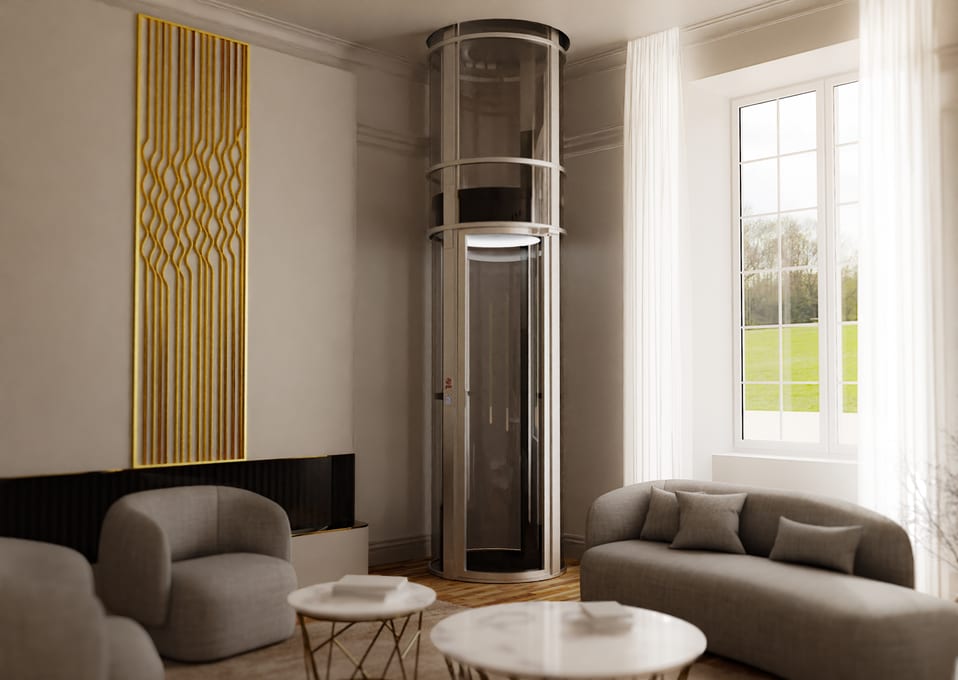
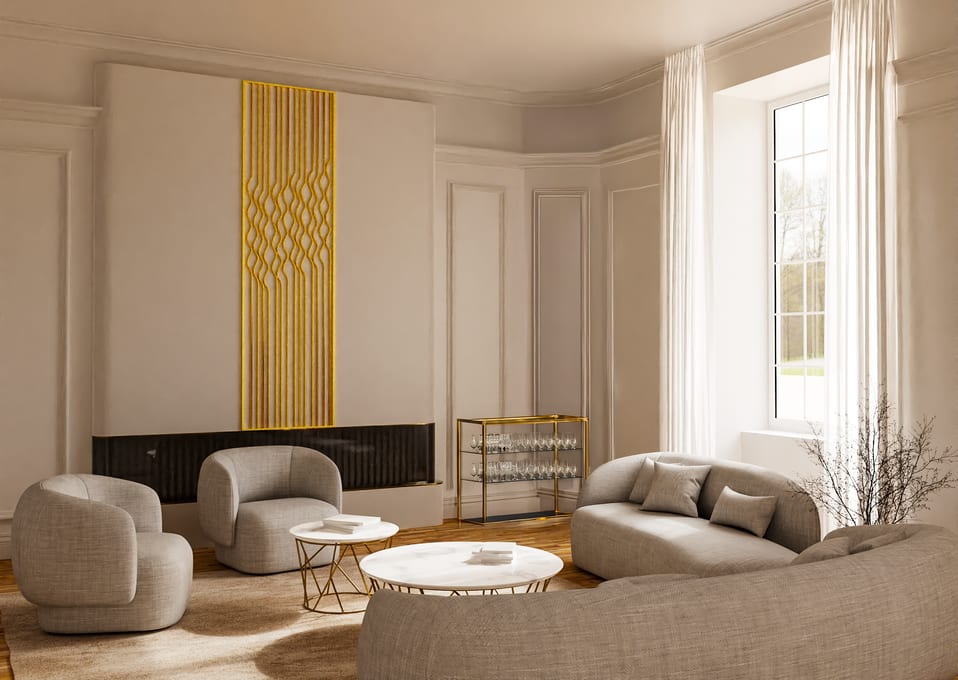 BeforeAfter
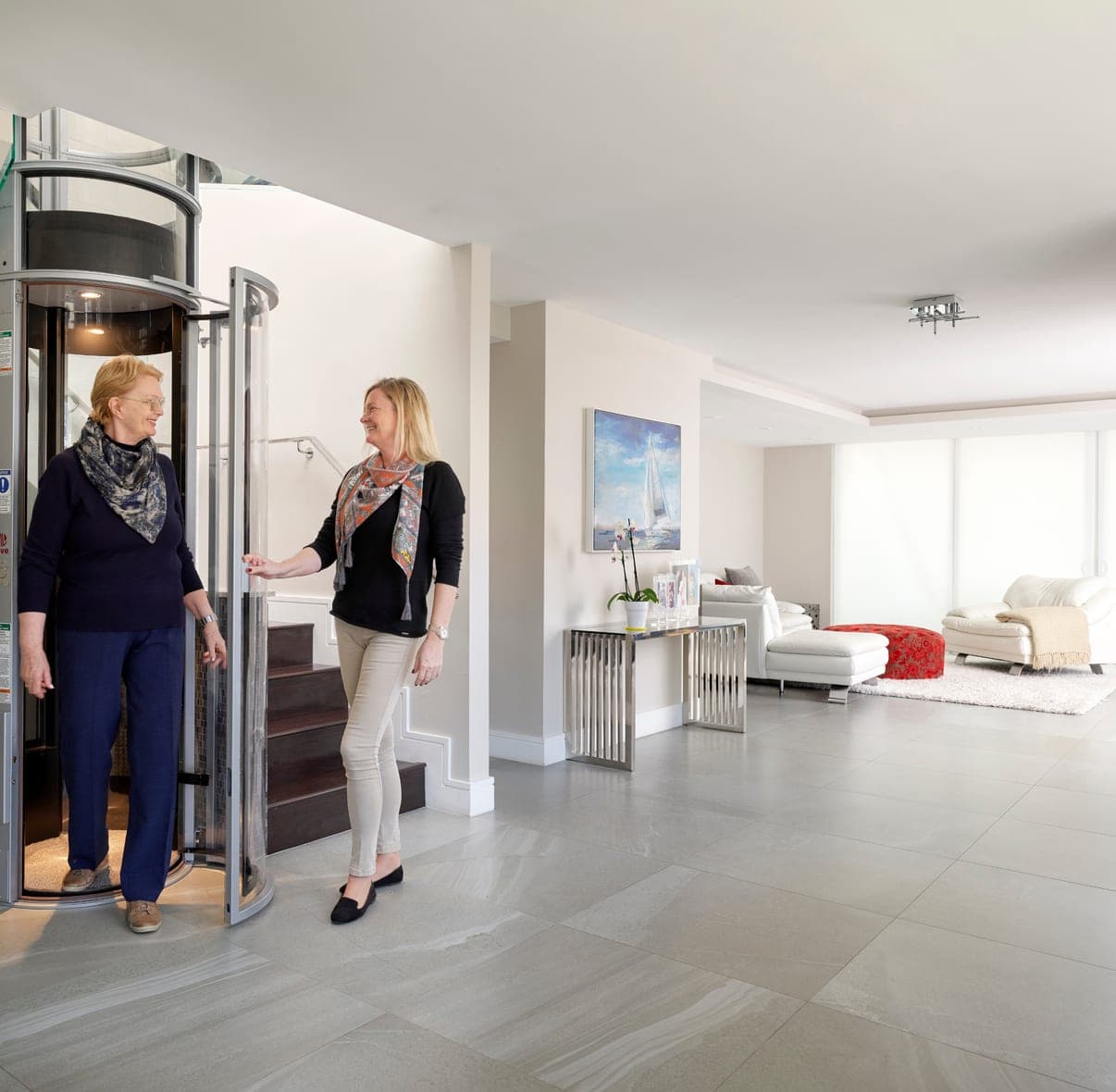
Who it's for
Questions we hear most
Five or six is ideal: two wide shots from opposite ends of the room, one of the spot where the elevator would go, and one diagonal view from a corner. Extra angles are welcome — more photos mean a more accurate render.
Ordinary phone photos taken in daylight. Stand back so the whole room fits, with the floor and ceiling both in frame, and don't zoom. No special equipment is needed.
Yes, at least one photo should show the spot you have in mind. You can also drop a marker on your photo during the request so our designer knows exactly where you want it. If you're not sure, skip that step and we'll suggest a placement.
No. Measurements are helpful and will improve accuracy, but you can request a render without them — we can work from your photos alone.
Yes. You pick the model and colour as part of the request, and you can ask us to change the colour before you purchase the elevator itself.
Our in-house designer places the elevator into your actual photos, so proportions and lighting reflect your real space. Accuracy improves considerably if you provide measurements or plans.
No. The render is a visualization to help you and your family picture the result and make a decision. It is not a construction or installation drawing.
If we can't produce a quality render from your photos, you get a full refund.
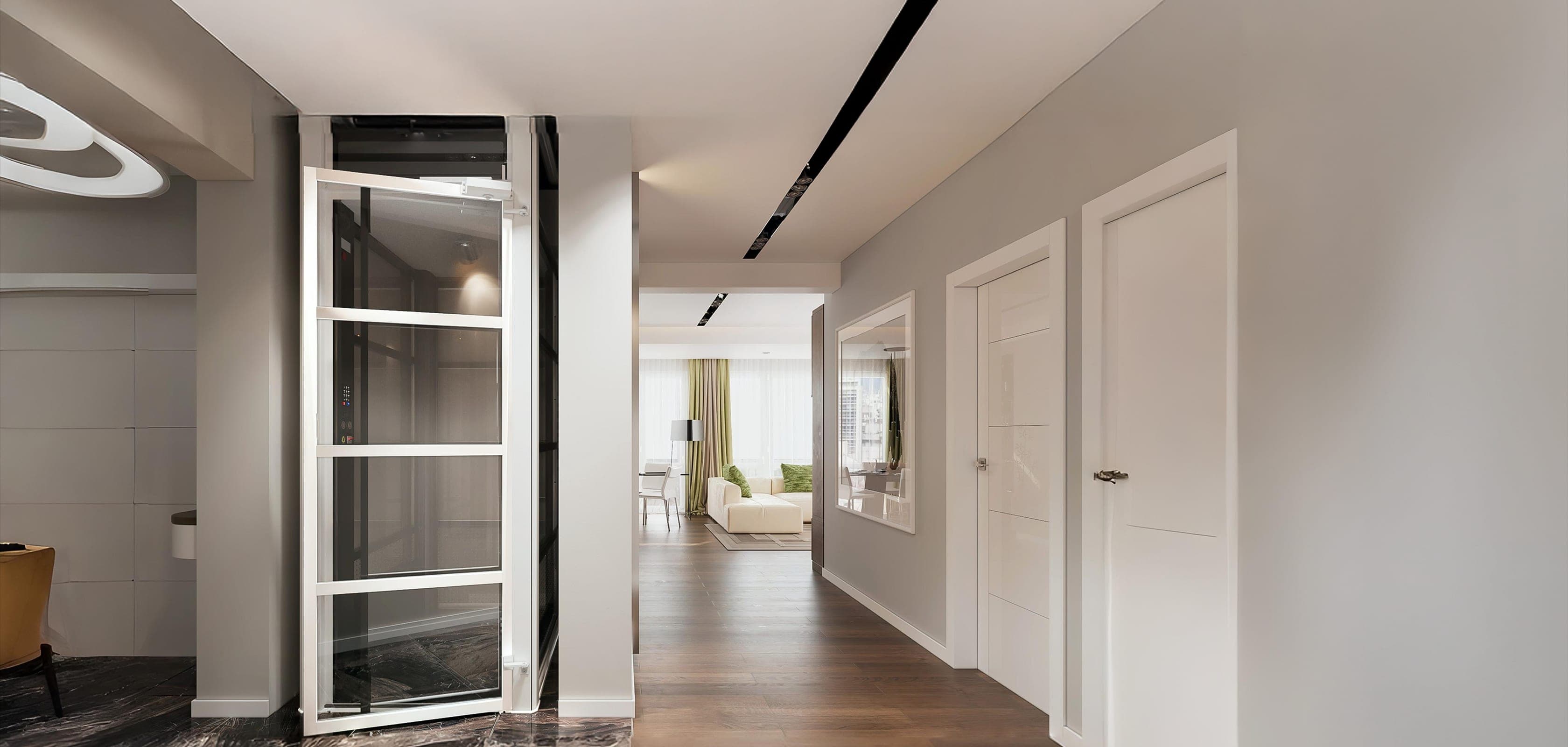
Ready to see it in your home?
Get your personalized render. Takes about 5 minutes.